
ccHub #
The Custom Content Database: every piece of approved custom content in OWbN, by category, open to everyone.
Who can use this #
Anyone, signed in or not.
How to get there #
- On the website: the ccHub pages on archivist.owbn.net, chronicles, council, players, support and sso.
The screen #
- Custom Content Database – a card per category with its count, and All Custom Content. Click a card to browse it.
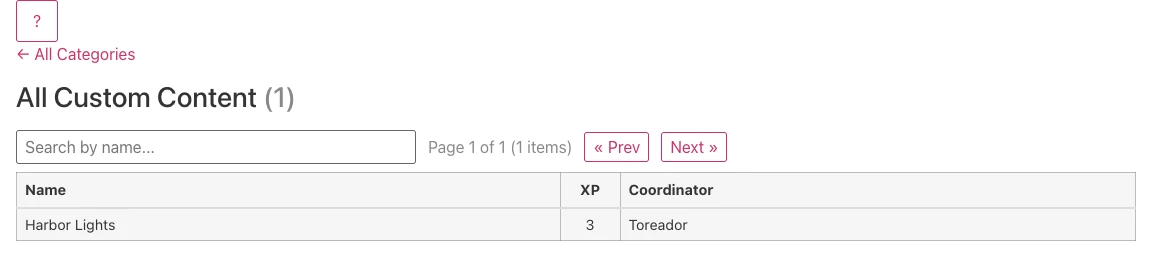
- The browse table – Name, Tradition, XP and Coordinator, a page at a time; Next » goes on.
- An item – click its name to read it in a pop-up; Open in new tab opens it on its own page.
Common tasks #
Find a piece of custom content #
- Click its category, or All Custom Content.
- Page through, and click the name.
Add custom content #
- File the Custom Content form. Once it is approved, it shows here.
Things to know #
- Only approved custom content shows; a request still in review doesn't.
- A character who learns custom content files Learn Custom Content, which points at the item here.
Troubleshooting #
- "No custom content found." The category is empty.
