
Chronicles, Coordinators, Territories and Vote History #
Where this site gets each kind of OWbN data, and the pages that show it.
Who can use this #
Site admins.
How to get there #
wp-admin → OWBN Core → Settings → the Chronicles, Coordinators, Territories or Vote History tab.
The screen #
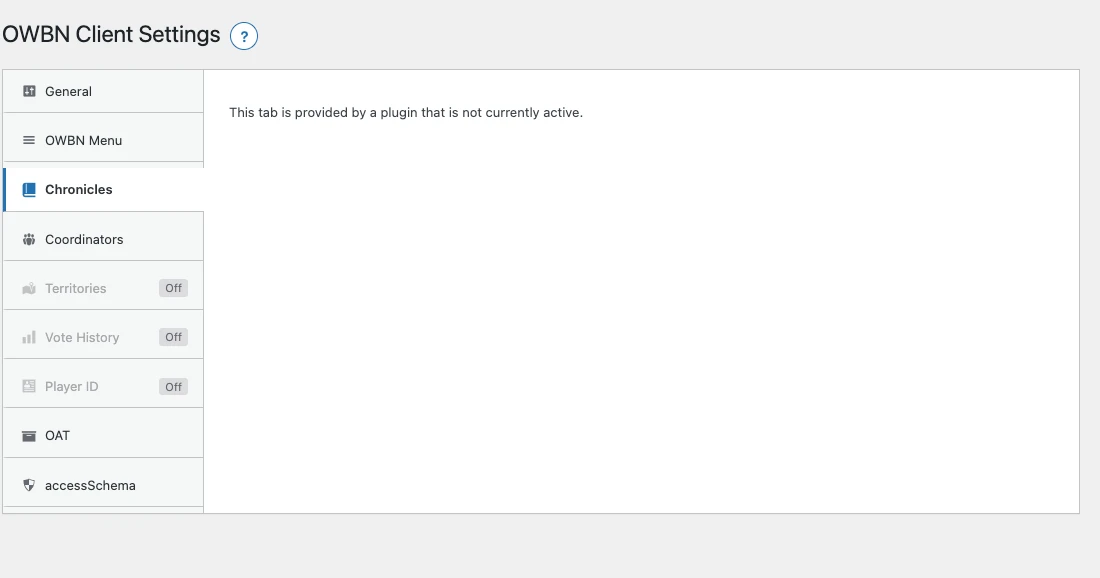
Each tab has the same parts:
- Data Source
- Local – the data lives on this site: chronicles and coordinators in C&C Manager, territories in Territory Manager, votes in the Voting plugin.
- Remote – the data comes from another OWbN site's gateway.
- Remote URL Override and API Key Override – only when this kind of data comes from a different site than the Default Remote Gateway on General. Leave them empty otherwise.
- Chronicles List Page and Chronicles Detail Page (on Chronicles), Coordinators List Page and Coordinators Detail Page (on Coordinators) – the pages of this site that list them and show one. A list links each entry to the detail page.
- Status – the mode, whether the local plugin is here, the address it reads from, and how many records are cached.
- Search Data – type to look through the cached records, to check what this site sees.
Vote History adds a chronicle's and a coordinator's votes to their detail pages.
Common tasks #
Point a site at the shared data #
- On General, set Default Remote Gateway and switch the data types on.
- On each tab, pick Remote and leave both overrides empty.
- Click Save Changes, then Refresh All Cache on General.
Check what this site sees #
- Type part of a name in Search Data.
Things to know #
- Most OWbN sites read everything remotely. Chronicles live on chronicles.owbn.net; coordinators and votes on council.owbn.net.
- A data type switched off on General shows nothing, whatever its tab says.
Troubleshooting #
- A list page is empty. Check that the type is switched on and its source is right, then refresh the cache on General.
- Cached Records says None. The site can't reach the source. Check Remote URL Override and API Key Override, or the default ones on General.
